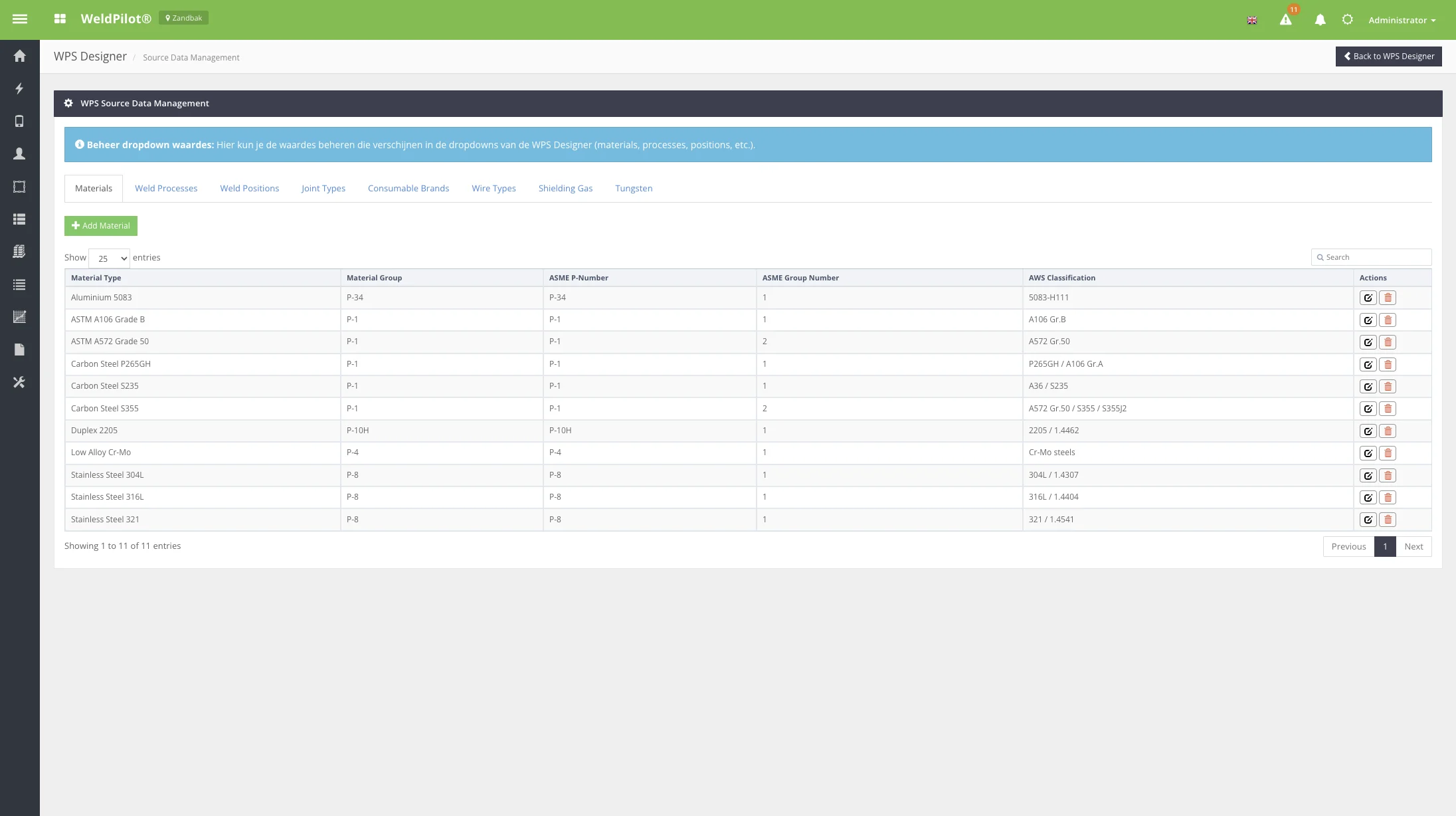
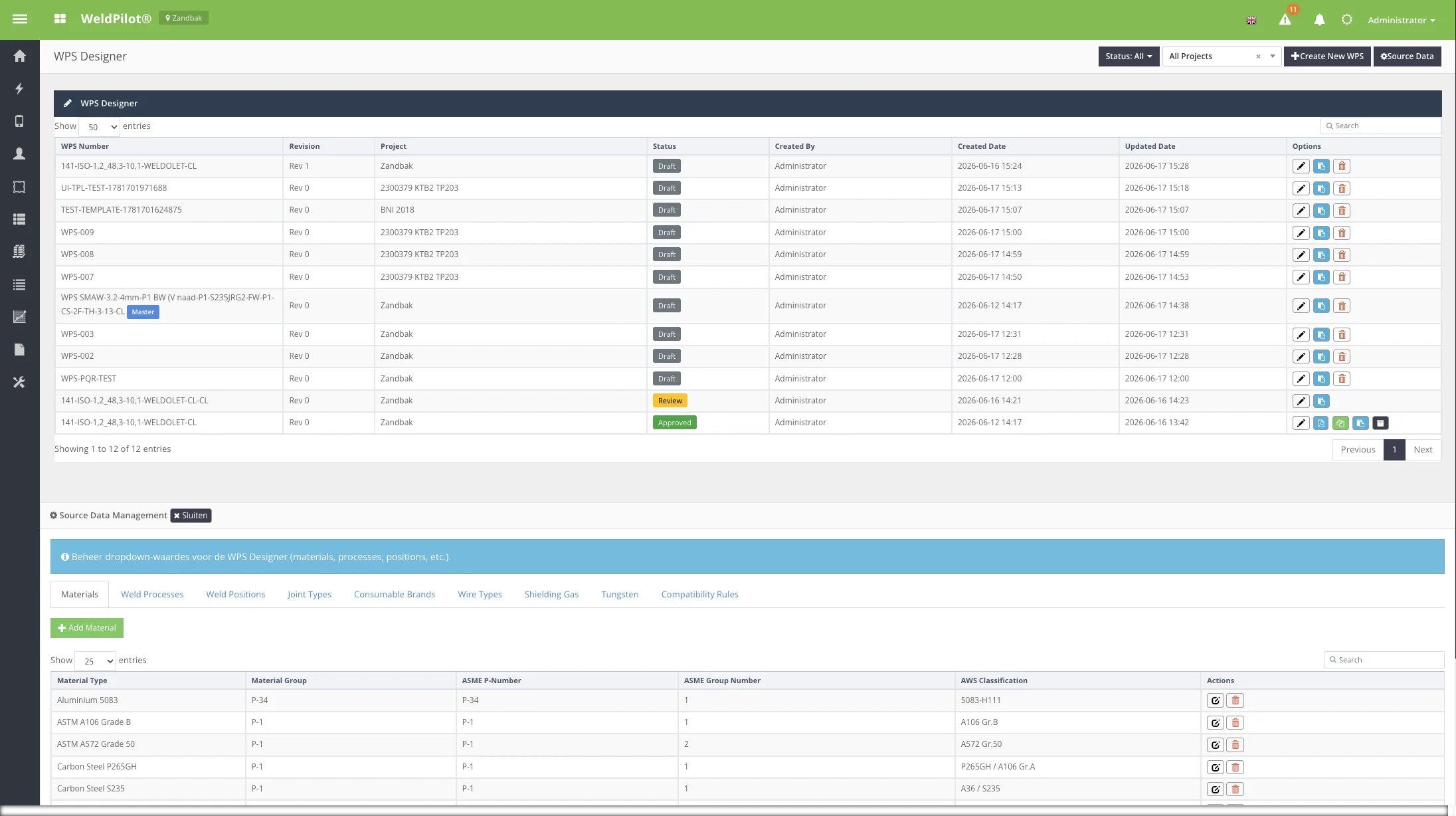
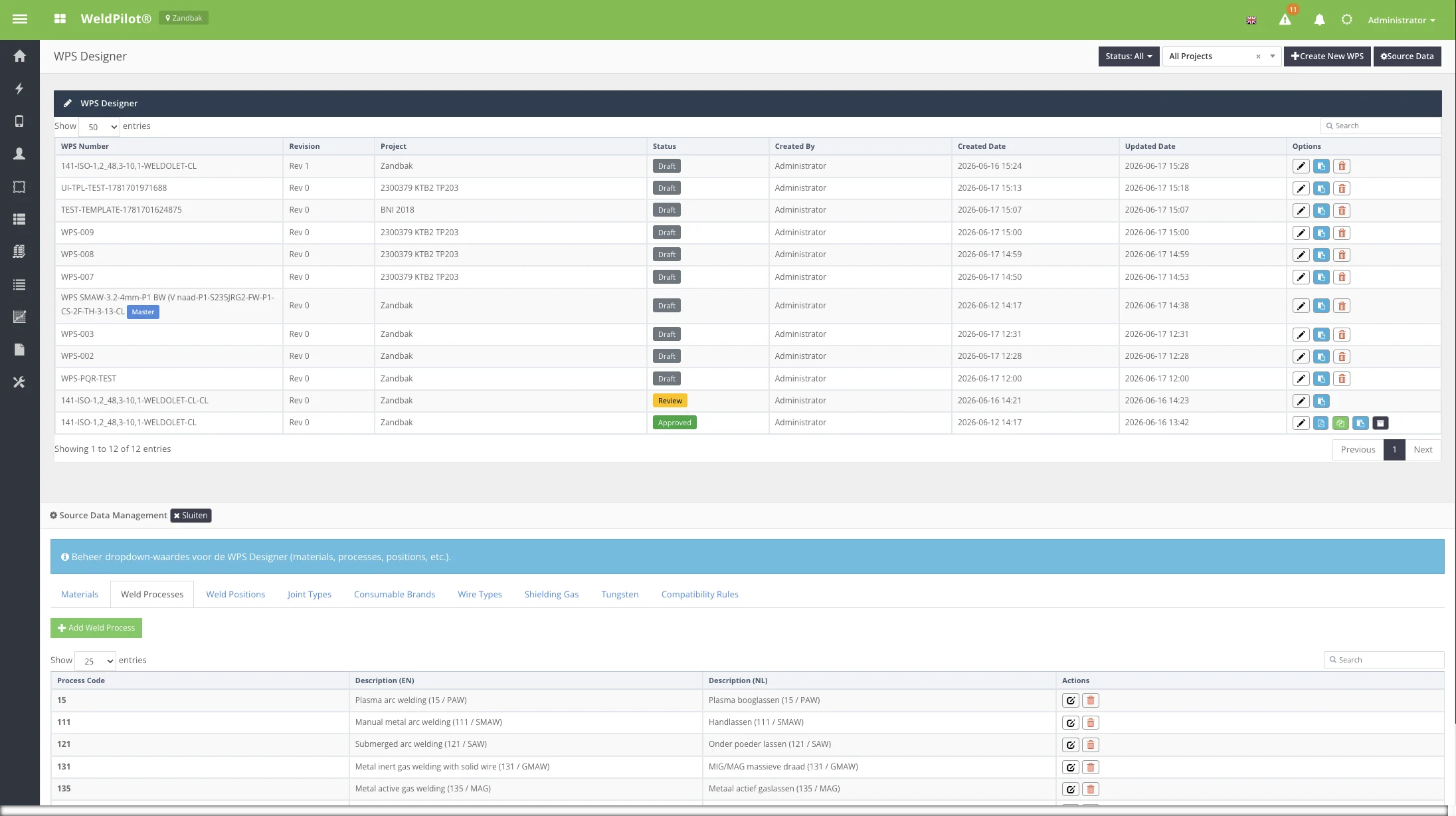
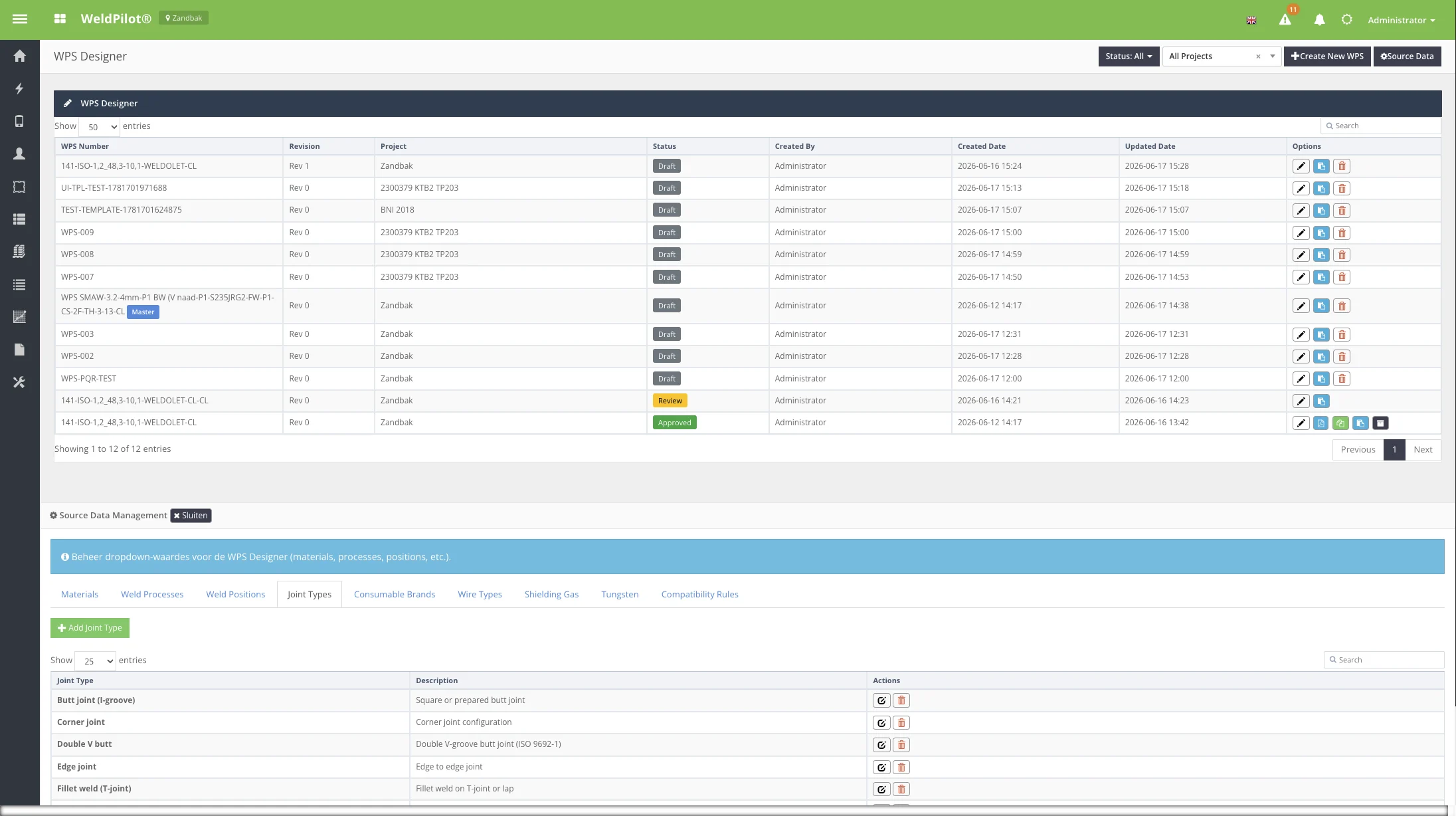
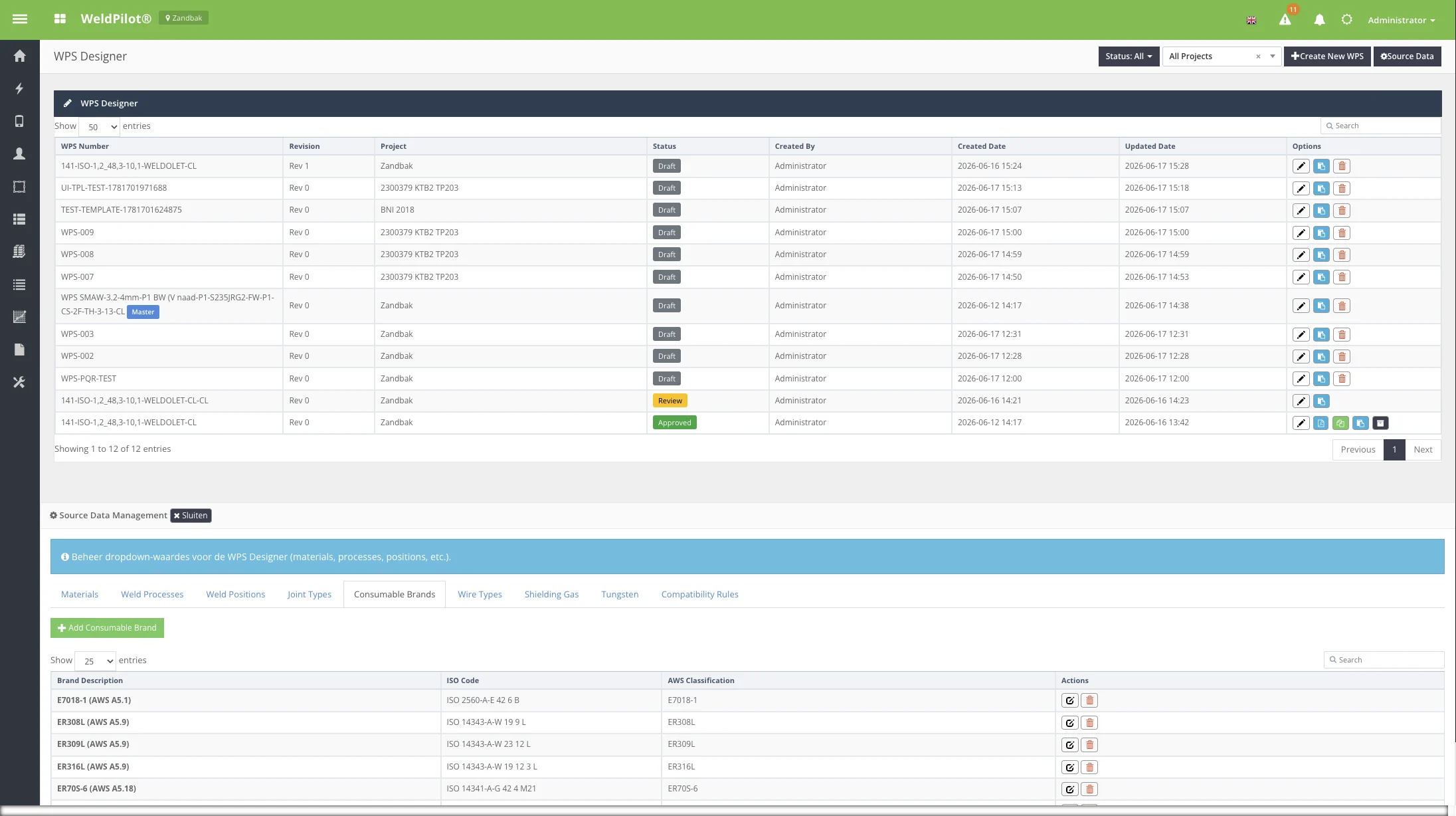
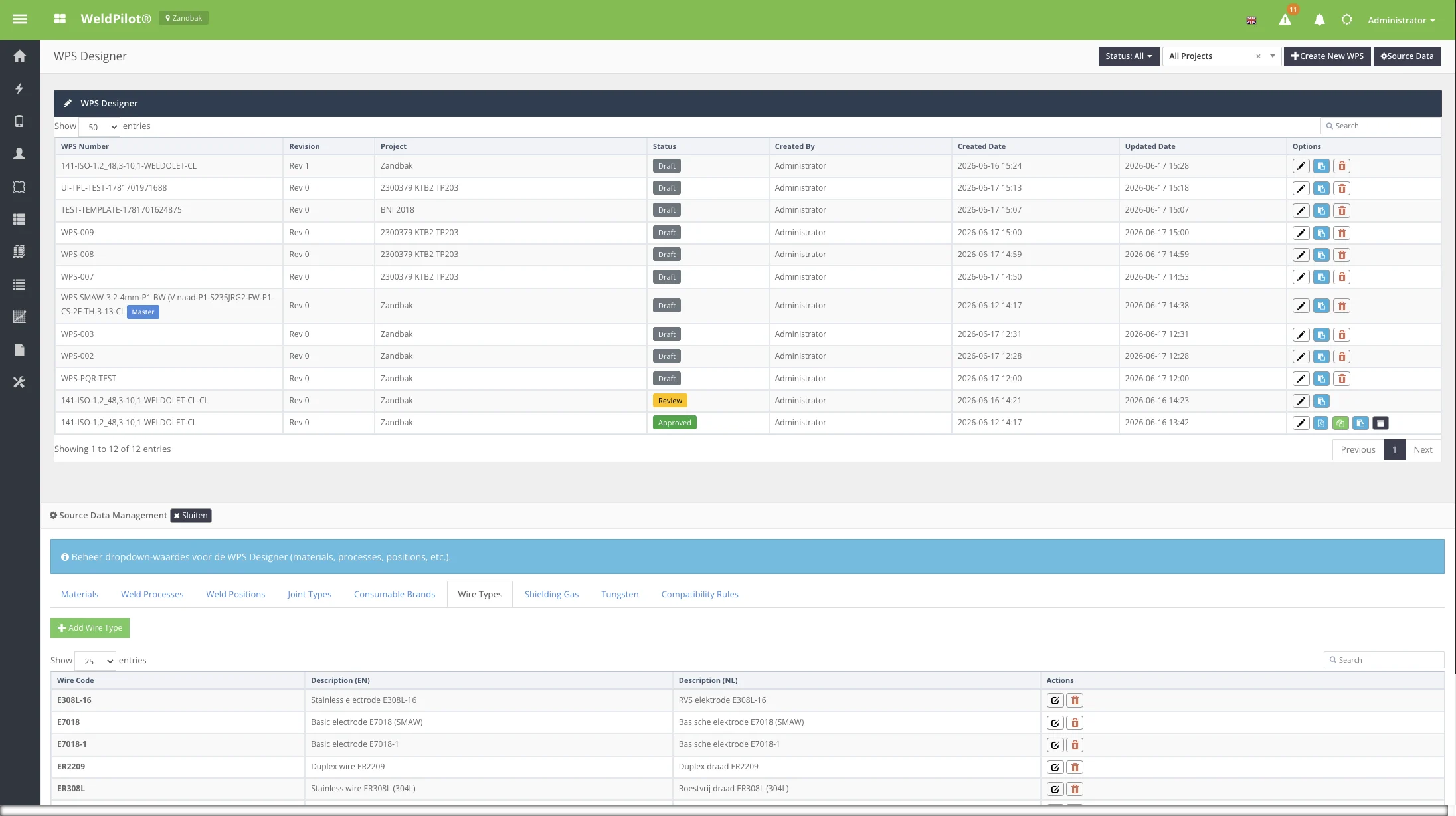
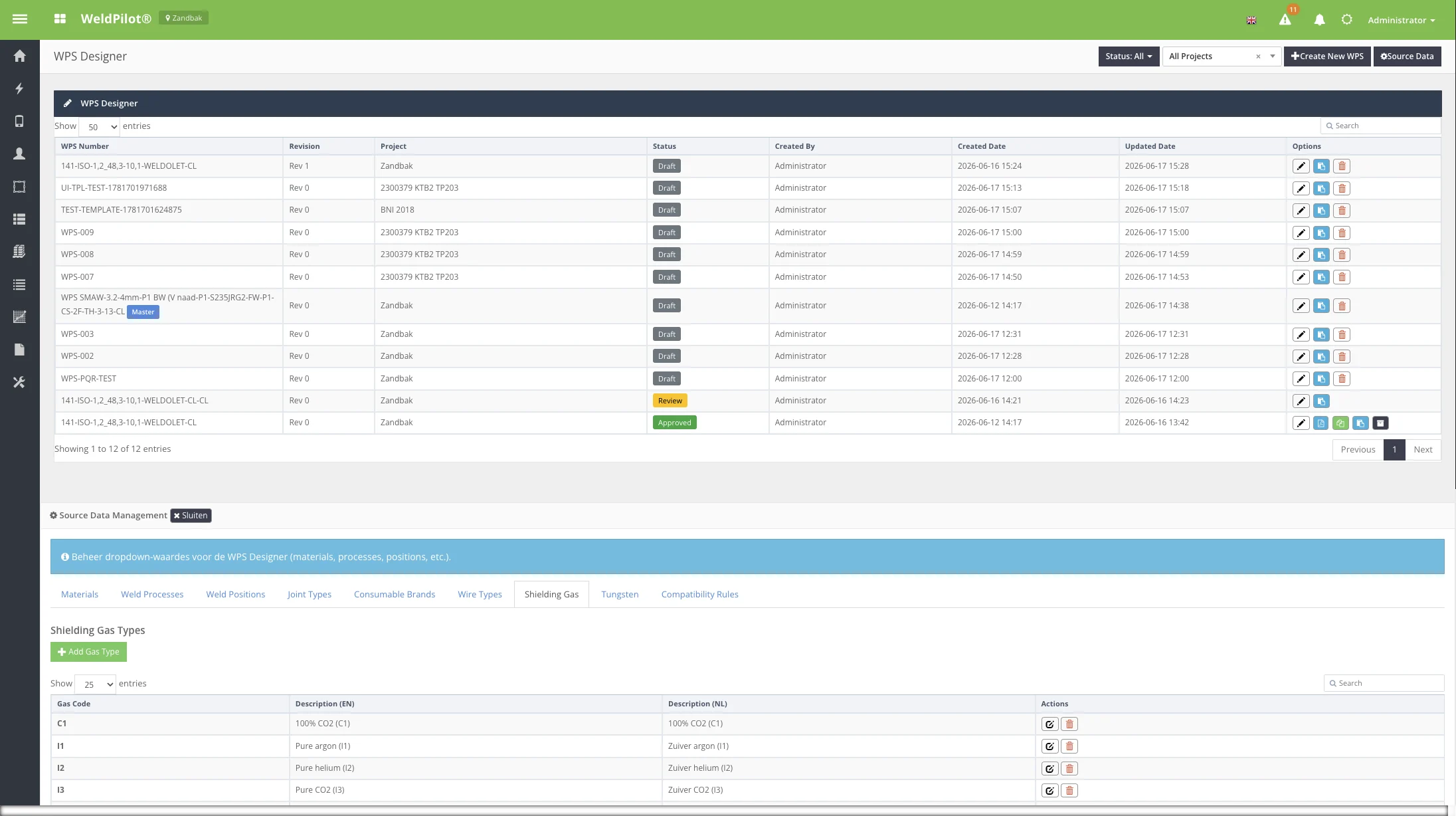
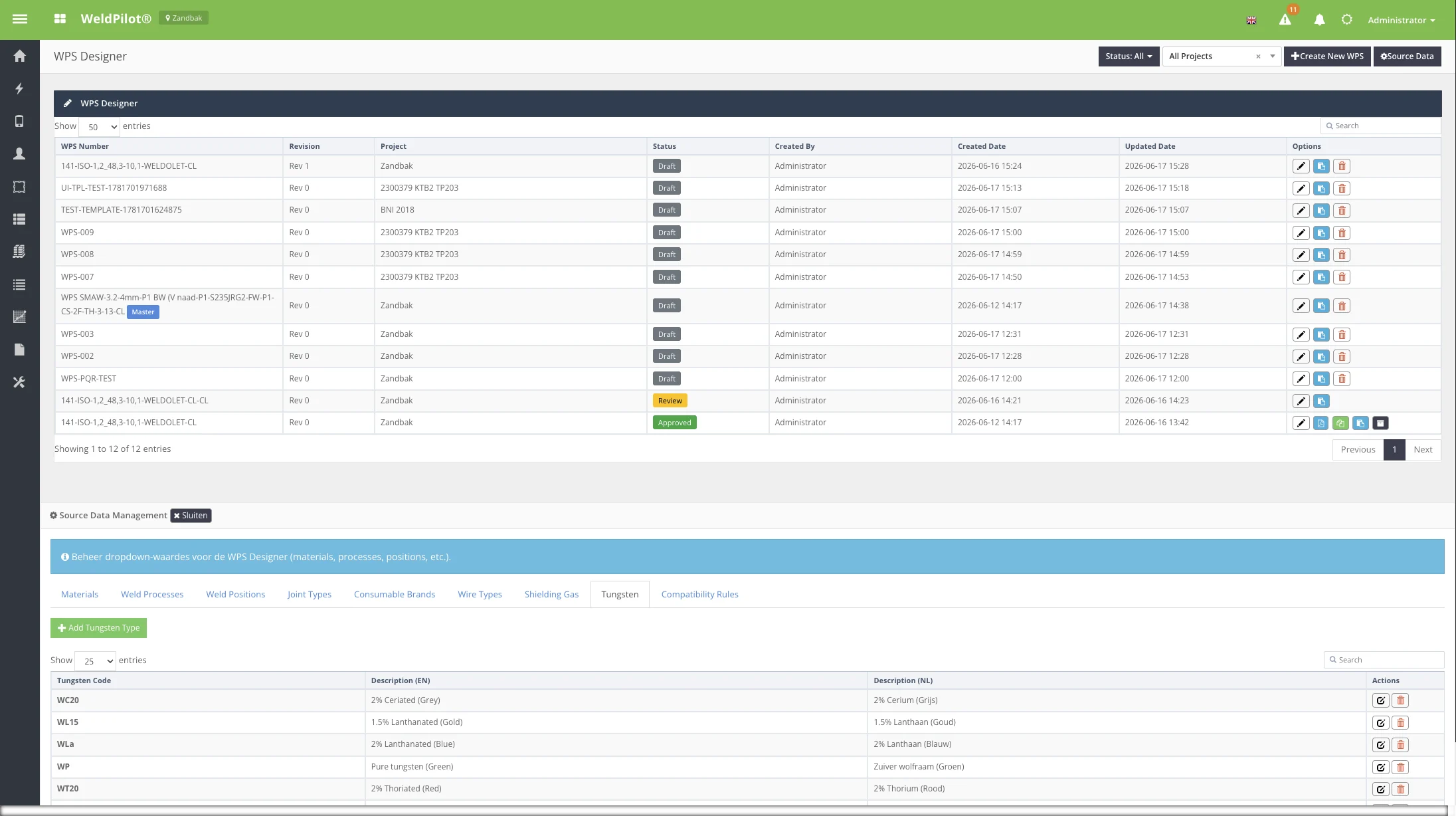
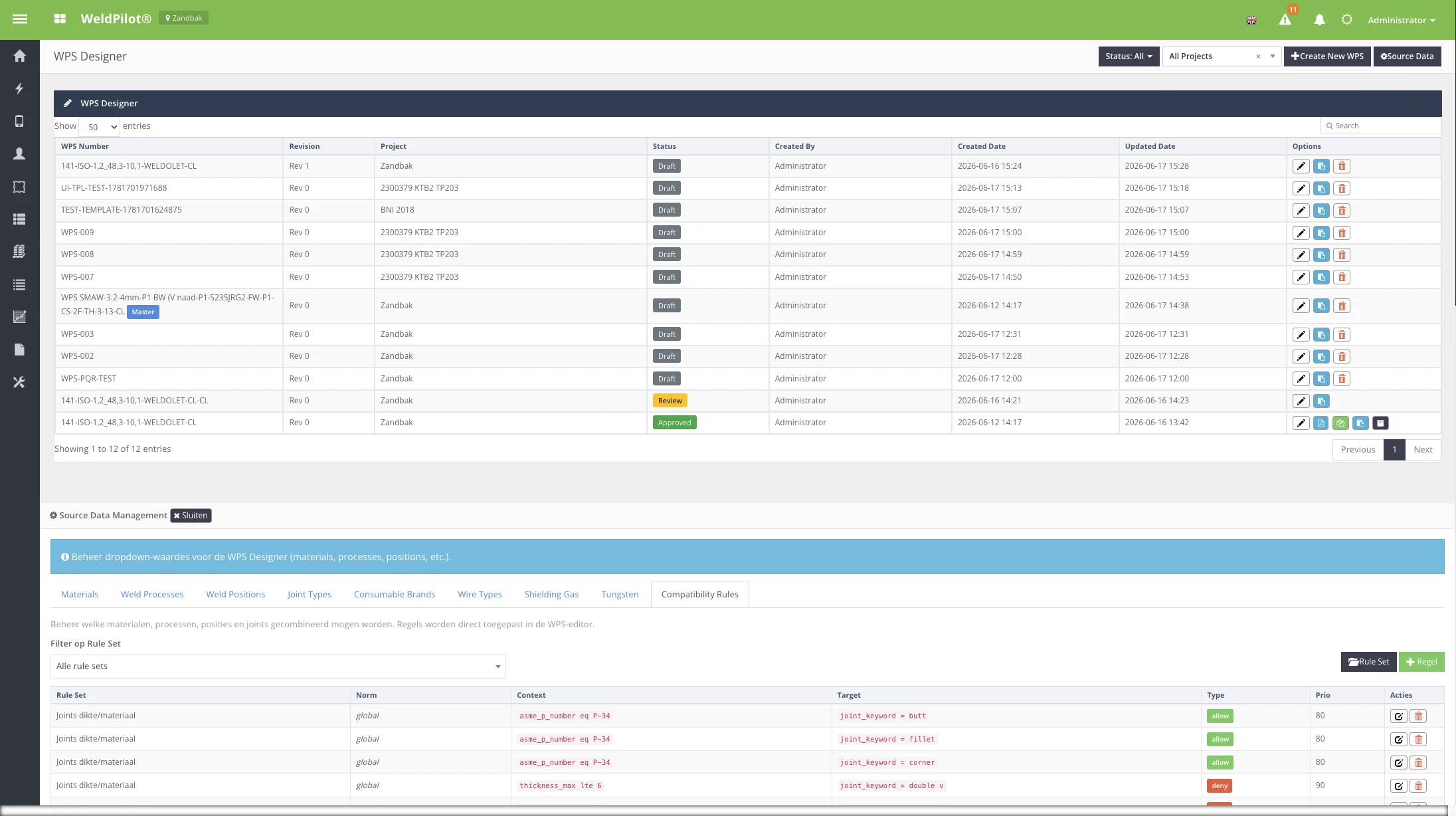
Purpose: Maintain dropdown values used throughout WPS Designer (materials, processes, positions, joints, consumables, wire, gas, tungsten) and compatibility rules that filter valid combinations in the editor. When to use: Administrator or welding coordinator when new materials/processes must be added. Access:Source Data button on WPS list, or standalone page (legacy route).
Rules restrict which materials, processes, positions, and joints can be combined in the editor. Managed per Rule Set with priority and operators (always, equals, contains, etc.).
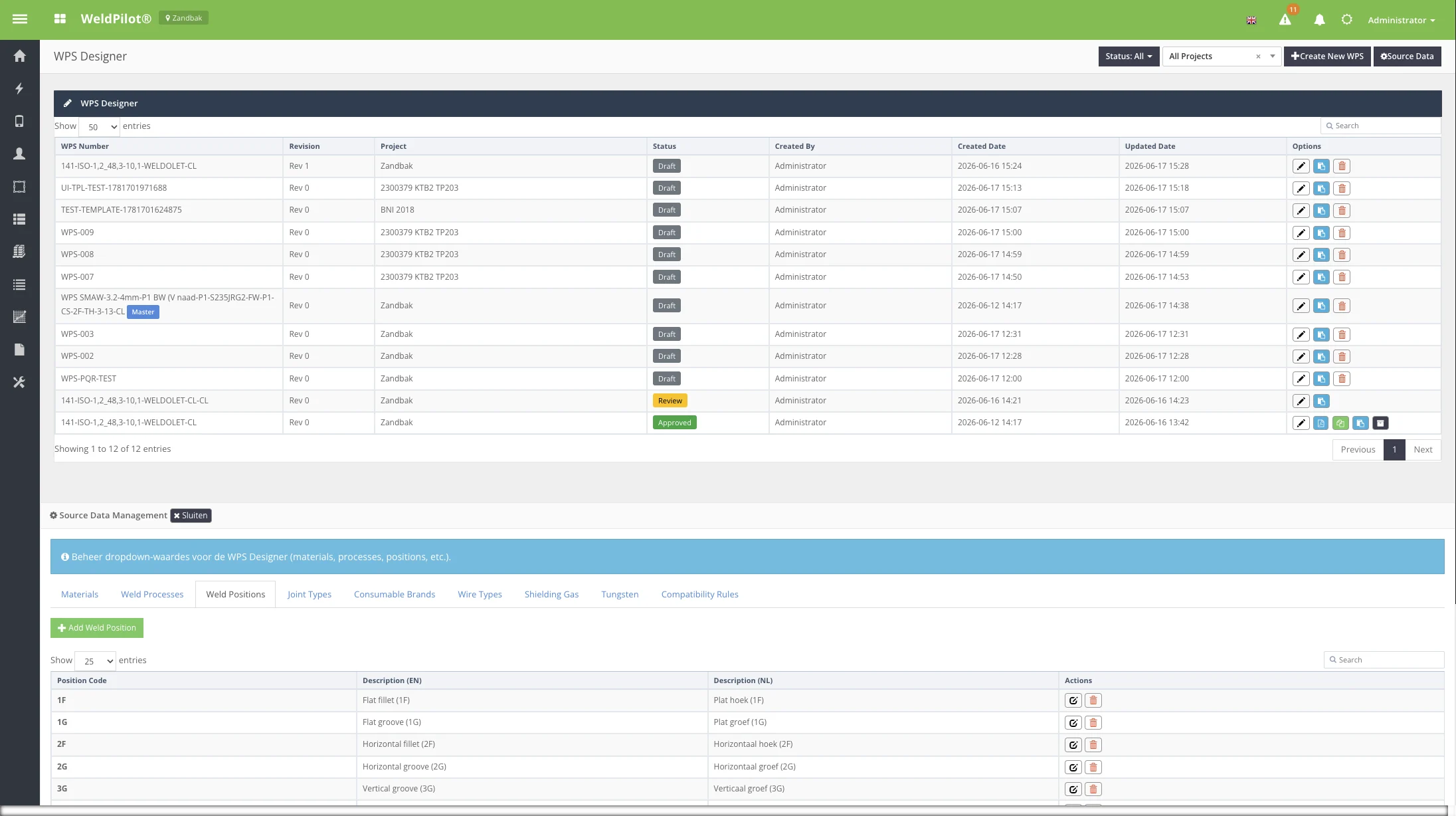
User Instructions — Add a weld position
Open Source Data on the WPS list.
Click the Weld Positions tab.
Click + Add Weld Position.
Enter Position Code and descriptions (EN/NL).
Save. The new position appears in the editor Technique tab dropdown.